



Join CSSBuy
THE INDEPENDENT FINDS DIRECTORYFINDS HUB / 01

CSSBuy
Spreadsheet.

Find your next everyday favorite.

A clearer way to explore finds, compare photos and plan your next parcel. All in one place.

Explore the finds
10 product categoriesProduct & QC referencesFrom find to parcelFirst time here? Start with the guide
02 / THE EDIT

Good finds. Less digging.

Browse all finds

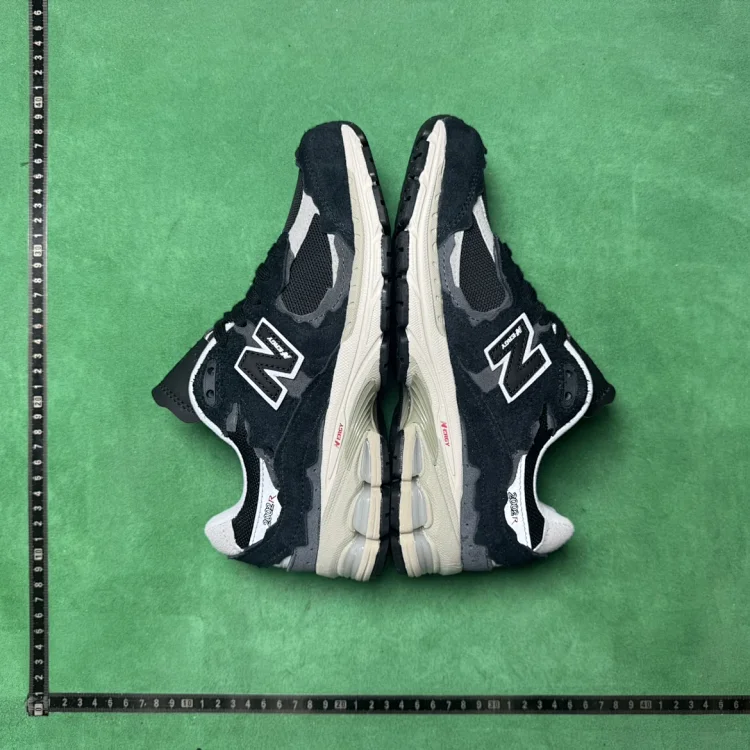
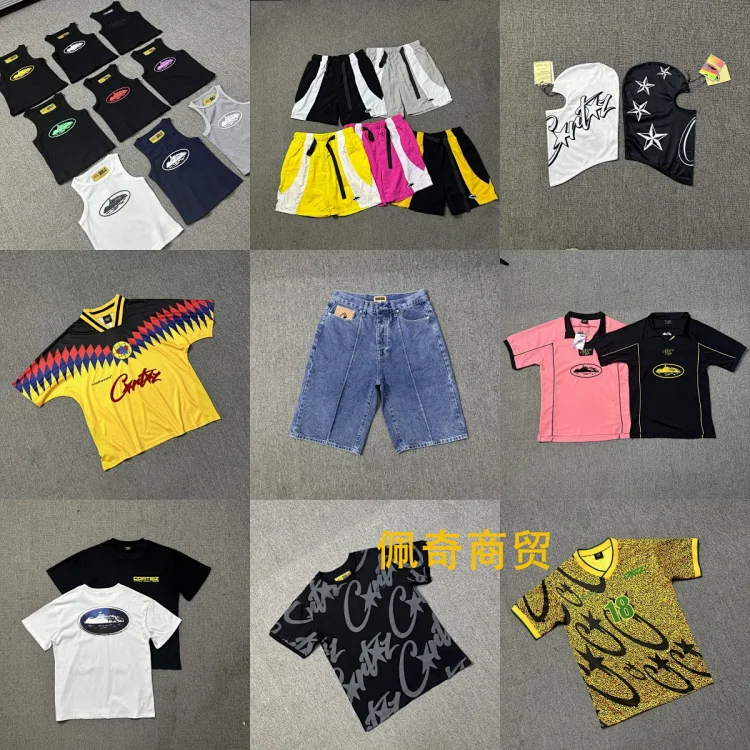
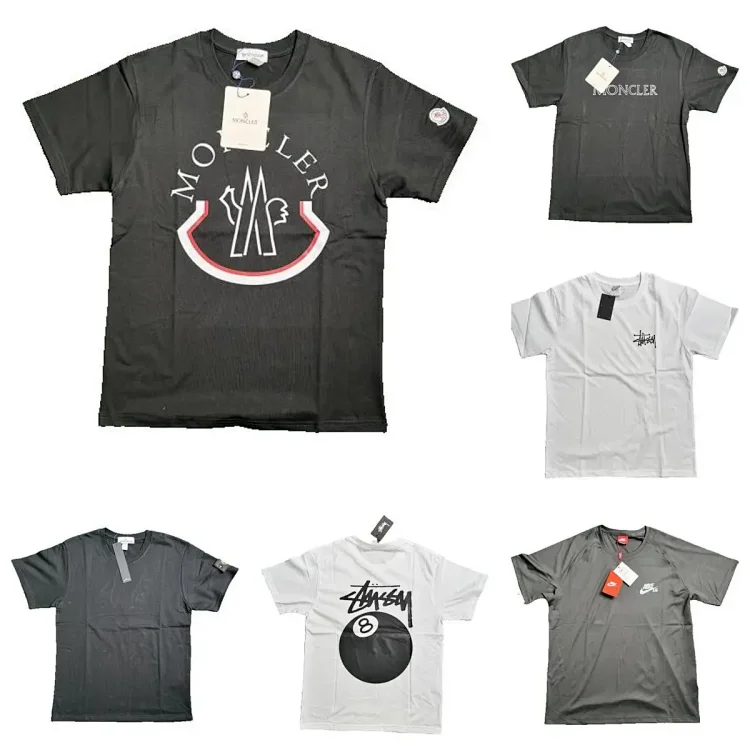
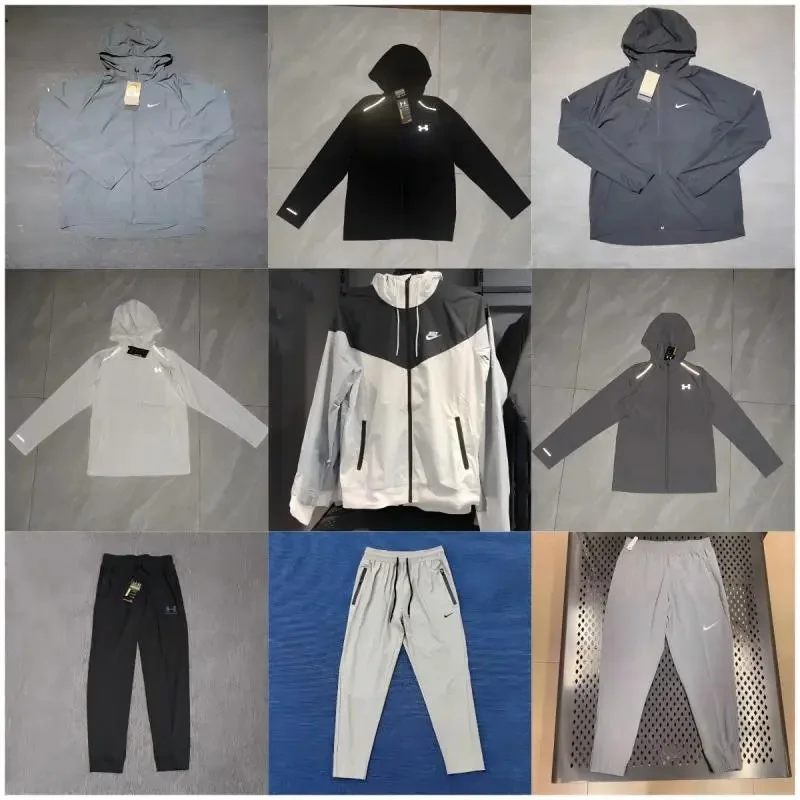
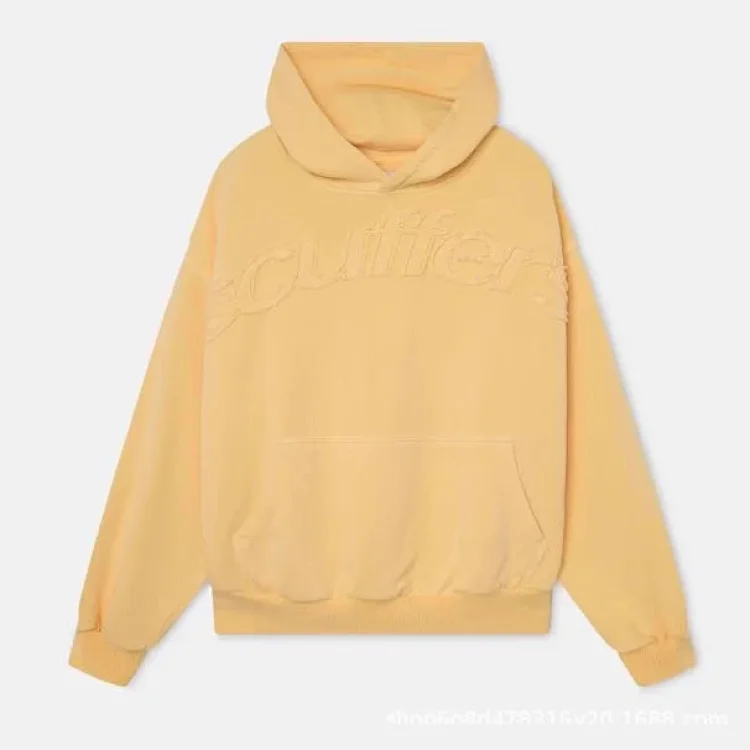
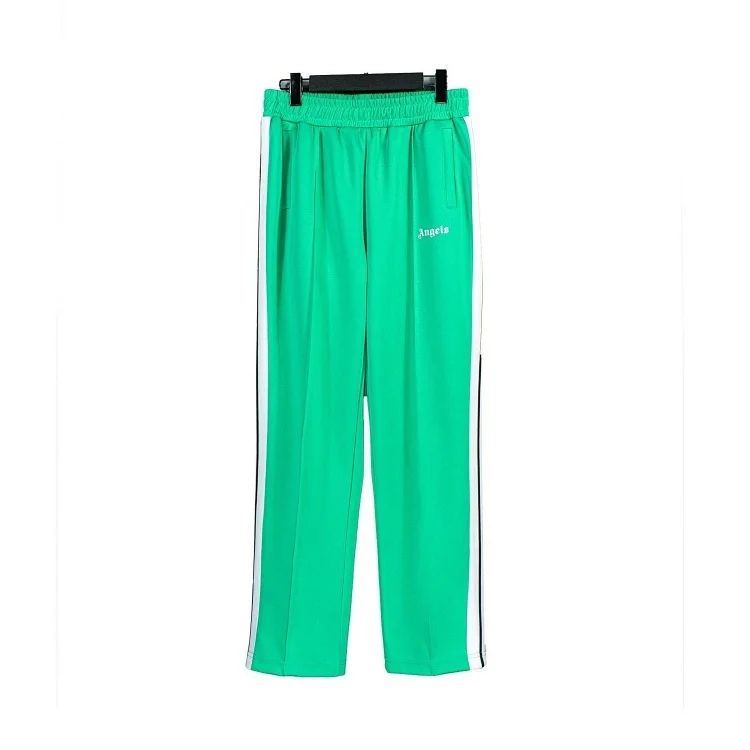
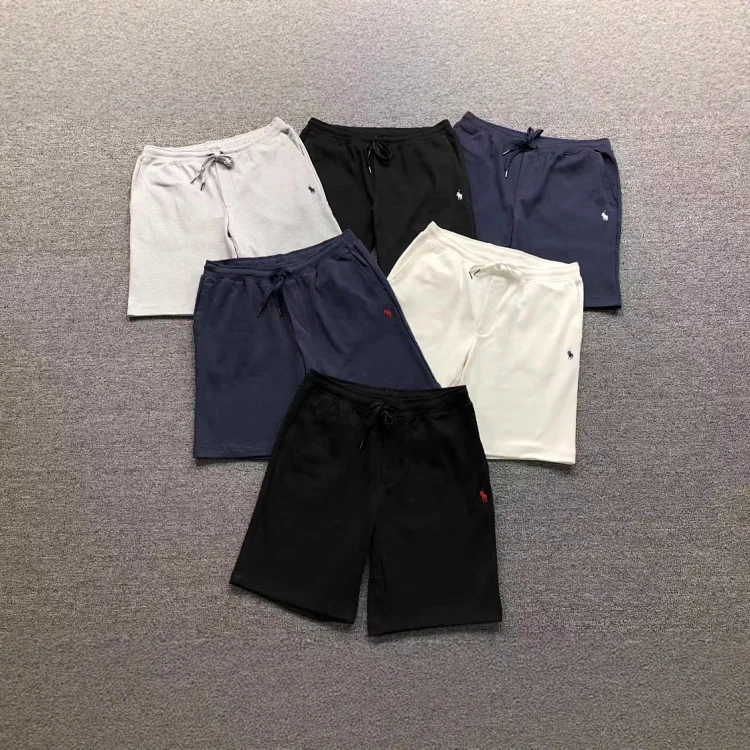
Twelve picks across the directory. Open a find to see its details and available reference photos.

Prices are item-only references. Shipping, services and applicable taxes are extra. Confirm the current price in CSSBuy.

03 / FROM FIND TO PARCEL

Your first order,
made clearer.

Find the item. Check the details. Review your QC. Then arrange shipping. Our beginner guide walks through the complete CSSBuy order flow.

Read the beginner guide
FindCheckShip
01 / QC

Know what to look for.

A practical checklist for labels, measurements and visible details before your parcel leaves the warehouse.

02 / SHIPPING

See the bigger price.

Understand item costs, packed weight and route restrictions before estimating international delivery.

04 / A FEW GOOD ANSWERS

Before you
add to cart.

The essentials for browsing finds, reading QC photos and ordering through CSSBuy.

01

What can I do on CSSBuy Finds Hub?

CSSBuy Finds Hub is a product research directory. Use the homepage for twelve featured finds, open All finds for the complete source directory, or browse one of the ten categories. Each product opens a detail page on this site, where you can review its listed price, available images and corresponding CSSBuy product link. The buying guide and QC notes help you prepare the next steps.

You can browse without a CSSBuy account. When you decide to order, use Open in CSSBuy and check the current listing there. Your account, payment, purchasing instructions and parcel arrangements are handled in CSSBuy; browsing a product here does not place an order.

02

Does All finds include the whole source catalog, or only the homepage picks?

All finds reads the complete product directory from kakobuymake.com through live pagination. It is separate from the twelve homepage picks. Each source page normally contains up to fifty products, so the number marked finds loaded describes the current page, not the total size of the directory. Use Next and Previous to continue browsing; the page number is kept in the URL so you can return to that page.

The ten category pages also read their corresponding source pages. Newly published source products can therefore appear when you load the catalog again. If a live request fails, a visible notice identifies the previously retrieved fallback; reload later before treating that older information as current.

03

How do search, categories, sorting and the price filter work together?

Choose a category to browse that type of product, or enter a useful model name, collection name or short keyword in the search box. Search queries the main source across categories. Starting a search from the homepage or a category takes you to the search results in All finds. If nothing matches, try a shorter term or another name used in the seller title.

Sorting and the maximum USD item-price filter operate on the products currently loaded on that page. A price filter can hide all fifty results even when matching products exist on a later page. Clear the filter before assuming the directory is empty. The three- and four-column controls change the display layout; they do not change which products the source returns.

04

What should I do when a product is missing or a catalog page will not load?

First clear the maximum-price filter and check whether a search keyword is still active. Then try the relevant category, another keyword or the next page. A product may be outside the homepage selection, on a later source page, renamed or removed from the source. Its absence from one page does not by itself tell you whether the seller has stock.

If the site reports a live-source problem, retry after a short interval. A fallback is a previously retrieved reference, so its coverage and details may be older. If a detail page opens but its CSSBuy listing is unavailable, confirm the original marketplace link and current seller listing in CSSBuy before paying. Do not substitute a similar-looking product without checking the exact variant.